
Drag & Drop Image Here
Set New Dimensions
Image Resizer – Fast and Accurate Online Tool
This Image Resizer helps you change the dimensions of any photo while keeping the quality sharp and clear. All resizing is done directly inside your browser, so your images never leave your device. It’s ideal for creating images for websites, social media, documents, or professional work. If you're looking for more helpful tools, explore Image Compressor, PDF Tools, or QR Code Generator.
The tool supports JPG, PNG, and WebP images. You can set the new width and height manually, and the live preview updates instantly. Whether you are resizing images for a blog, e-commerce store, portfolio, or social platform, this tool keeps the output clean and high-quality.
How to Use
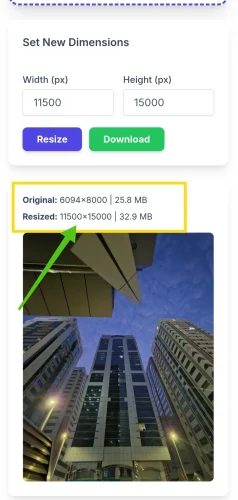
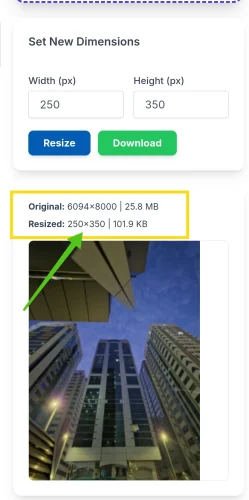
Upload an image by dragging it into the box or tapping to choose a file. Once it loads, enter your desired width and height, then click the Resize button. The resized photo will appear in the preview area. You can download it instantly with one click.
This tool is private, quick, and simple to use for any purpose. You can also explore other utilities like Text Tools for more daily tasks.
Key Features
- Resize images to any custom width and height
- Supports JPG, PNG, and WebP formats
- Instant preview of resized output
- No uploads — everything stays on your device
- Clean and high-quality resized results
- Fast processing and one-click download
FAQ
Does resizing reduce image quality?
No. The tool keeps your image sharp while only changing the dimensions.
Is my image uploaded to a server?
No. The resizer works inside your browser, so your image stays private.
What image formats are supported?
The tool supports JPG, PNG, and WebP files.
Can I use the resized images for websites or social media?
Yes. Resized images load faster and fit perfectly on any platform.